FAQ wrote:
Please help me activate my FileBot license in Docker. Copying and pasting into the WebUI doesn't work. I really don't want to have to use the command-line for this.

The
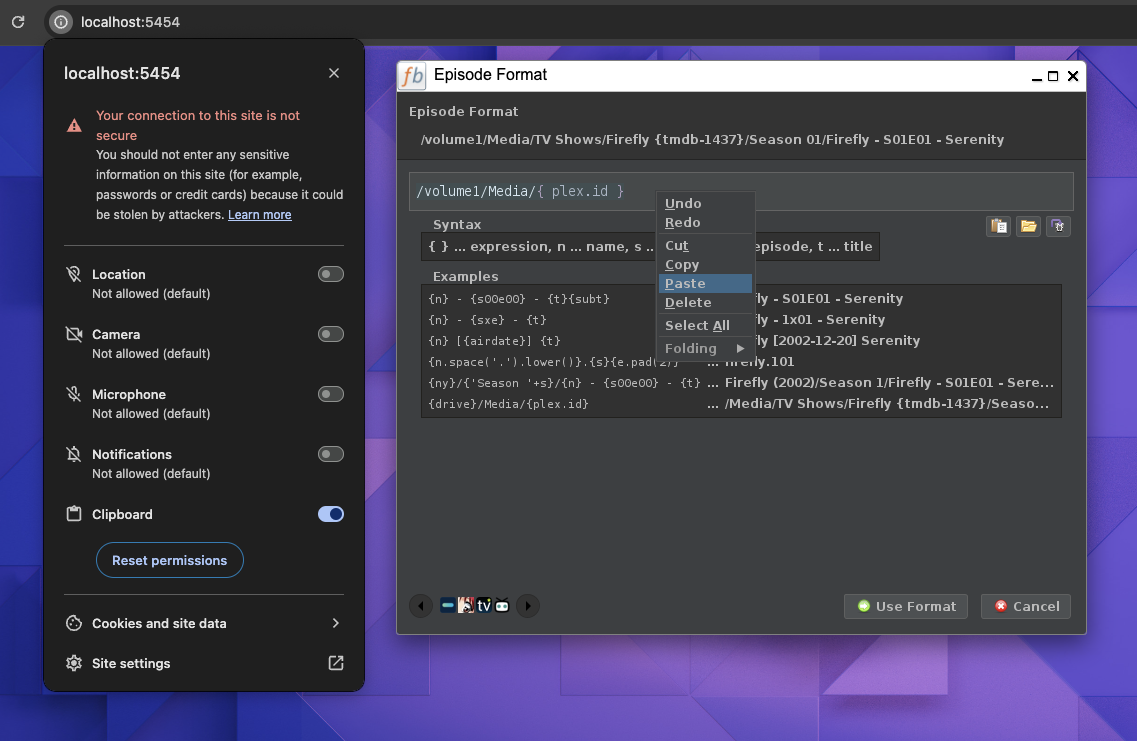
Paste License Key option requires access to your system clipboard. If the clipboard does not work, then you may need to enable
Clipboard permissions in your browser first.


You can also use the
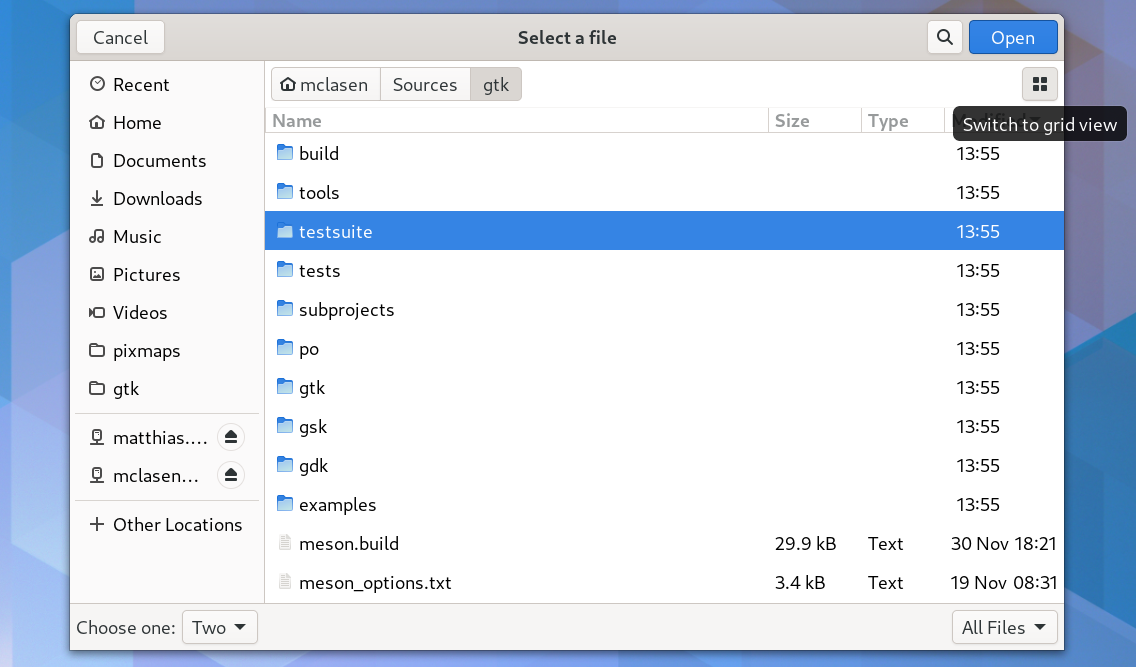
Select License File option to activate FileBot via your license file. Just copy your
*.psm license file onto your NAS and then click on
Select License File in the FileBot Desktop WebUI.